

Have you ever wondered if your digital world stays as safe abroad as it does at home? When you’re exploring new lands, cyber risks can seem as unexpected as a sudden rain shower on a sunny day. That's why it's smart to protect yourself before you even leave the airport.
We've picked out five simple ways to shield your devices while you're on the move. Imagine updating your apps and keeping your personal information tucked away like a precious travel secret. These easy tips work like a trusty toolkit, ensuring your digital data remains secure no matter where your journey takes you.
Get ready to make your travel adventures both smarter and safer with these essential cyber safety strategies.
Core Cyber Safety Strategies for Travelers
Before you set off on your adventure, make sure your devices are ready for the journey. Update all your apps and devices ahead of time, and turn on automatic updates so you always get the latest security patches. Think of it like gearing up your phone as if you were preparing for a big exploration, keeping everything updated helps fend off unwanted vulnerabilities.
Lock your devices securely with a strong PIN, passcode, or even biometric measures, ensuring your data stays safe if your smartphone or tablet goes missing. Also, activate options like “Find My Device” so you can locate, lock, or erase your information from afar if needed. And don’t forget to back up your photos, documents, and contacts to the cloud or an external drive to keep your memories safe on the go.
Travel light with your gadgets by packing only the must-haves, like a reliable smartphone for navigation, unless extra devices are absolutely essential for work. This minimal approach lowers the risk of data leaks, especially when you avoid suspicious public USB charging stations at the airport that might hide malware. Imagine traveling like a chef picking only the finest ingredients for a perfect meal.
Trust your instincts and keep up with the latest cyber safety tips so you can quickly adjust as situations change on your travels. With these straightforward steps in place, you can journey around the world with peace of mind, knowing your devices and data are well-protected from potential threats.
Device Security Tips for Travelers Overseas
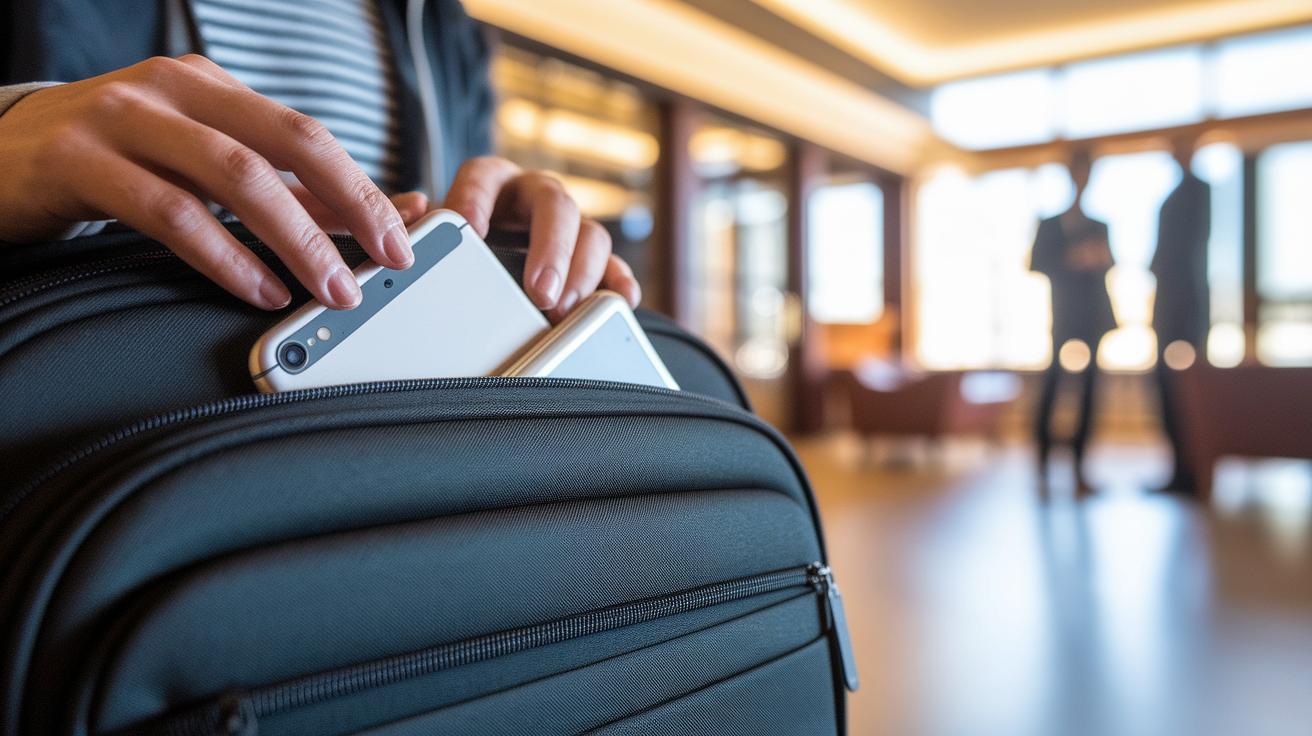
When you're exploring a new country, always keep your devices close. Think of your gadgets like your travel passport, trusty companions that should be with you at all times. Whether it's your smartphone, tablet, or laptop, it's best to have them in your carry-on or right on your person. This way, you can dodge any sneaky attempts to snatch them away.
If you’re not using your laptop or tablet, tuck them safely away in your hotel safe or drop them off at the front desk's deposit box. Imagine sitting in a busy lobby while your extra device is locked up securely, that's peace of mind in action. It also helps reduce the risk of someone glancing over your shoulder in crowded public areas.
In bustling spots, be extra cautious. Keep your bag zipped up and stay alert to prevent any surprise theft. One tip: skip the public USB charging stations. They might seem convenient, but they could be harboring malware, sort of like a tiny villain trying to steal your data while you're busy.
When you're out and about, be mindful of prying eyes. Enjoy your adventure, but keep an eye on your screen. Following these simple tips lets you explore boldly, knowing your personal devices are safe and sound.
5 Cyber safety tips for travelers: Stay Secure
When you’re on the move, keeping your online world safe is just as important as enjoying new sights and sounds. First off, avoid hopping onto open Wi-Fi networks at cafés, airports, or hotel lobbies. Think of these spots like busy gathering places where anyone might be eavesdropping on your digital chats.
Next, when you need to handle things like banking or checking emails, consider using a VPN or your own mobile hotspot. A VPN works like a secret tunnel for your information, keeping it hidden from prying eyes.
Also, always be sure to log out completely from your personal accounts when you’re using public computers. Just shutting your browser isn’t enough, imagine it as leaving a door slightly open instead of locking it tight.
Before joining any network, take a quick moment to verify its name or SSID. Sometimes, sneaky imposters set up fake networks that look just like the real ones. It’s a bit like checking the name tag of a local guide before you decide to follow them down an unfamiliar street.
Finally, if you must use a public computer, clear your session history once you’re done. This small step is like tidying up after a meal, it helps make sure nothing is left behind to compromise your security.
Stay safe and enjoy every adventure along the way!
Password and Account Management Tips for Travelers

When you're off exploring new places, keeping your digital identity safe is just as important as locking your luggage. Think of a strong, unique password as your personal secret recipe, one only you know. Try not to use the same password for different travel apps, online bookings, or email accounts. That way, even if one password gets cracked, the others stay safe.
Next, add an extra layer of security by setting up multi-factor authentication. This is like putting a double lock on your suitcase, it makes it much tougher for strangers to get in. For example, you might receive a text code to confirm it's really you. And don't forget to use a trusted password manager to create and keep all your passwords neat and secure. Saving them on public or shared devices is like leaving your valuables in a crowded market, you really don’t want that risk.
Use these simple steps to secure all your travel accounts and enjoy your adventures with peace of mind.
VPN and Encryption Tips for Travelers on the Go
When you're exploring new places, a reliable VPN acts like a secret passage that keeps your digital world safe. Think of it as your personal security guard on public Wi-Fi, encrypting everything from emails to online purchases so that your sensitive data stays hidden, just like a covert lane on a busy highway.
Next, try using messaging and email apps with end-to-end encryption. In plain terms, this means that only you and the person you're communicating with can see your messages. It’s like sharing a secret note that no one else can read, adding an extra layer of privacy to your travel updates.
And when you're in an area where network security feels iffy, set up an encrypted personal hotspot on your phone. This simple trick turns your device into a mini fortress, keeping your data secure even when you're far from trusted networks.
- Subscribe to a trusted VPN service
- Choose apps that offer end-to-end encryption
- Set up an encrypted personal hotspot
These straightforward steps help ensure your data remains protected throughout your adventures, letting you travel with confidence.
Protecting Traveler Data and Privacy Abroad
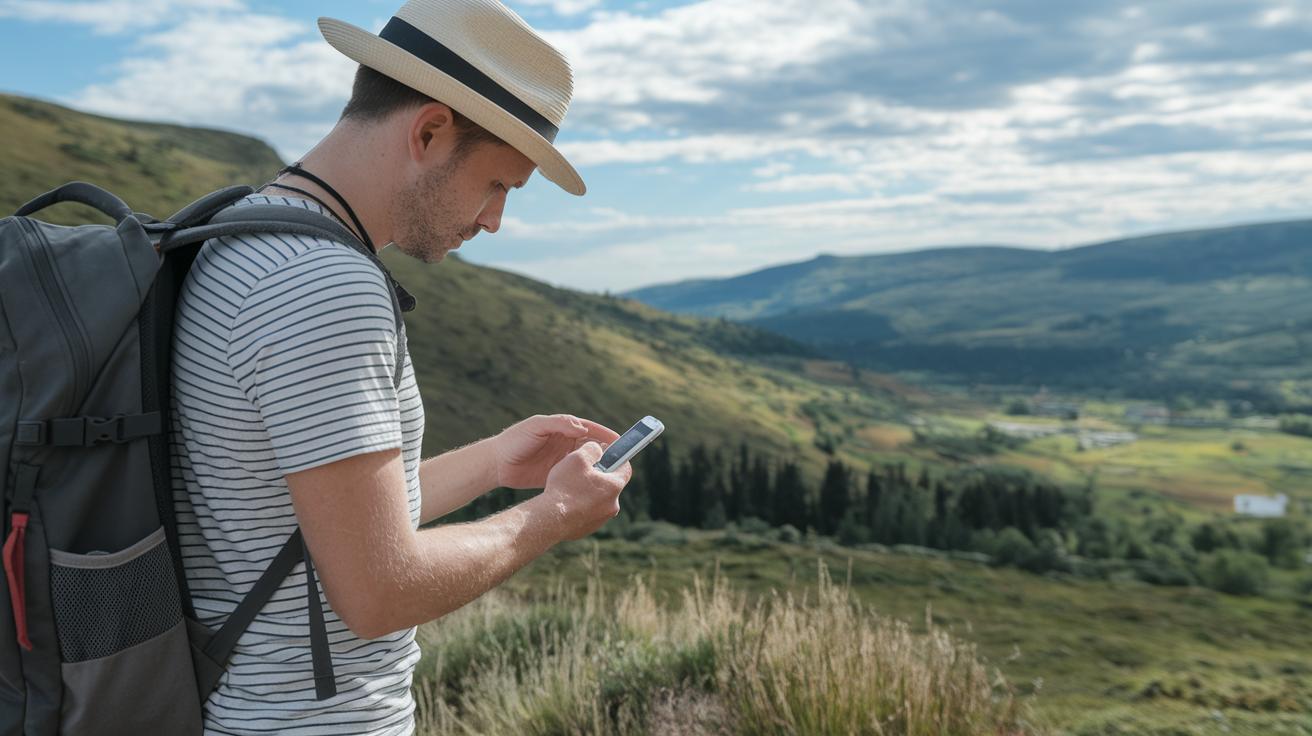
When you’re off on an adventure, managing your digital footprint is almost as important as packing your essentials. It’s like making sure your backpack is neat and ready before you hit the road. First, take a minute to adjust the privacy settings on your social apps. If you don’t need location tracking, say, while you’re soaking in a beautiful view, turn it off. This little step keeps your exact location just between you and that hidden gem you’re exploring.
Next, think twice before posting live travel updates that might signal you’re away from home. It’s a bit like not announcing your vacation plans on a big billboard. Instead, why not snap that vibrant sunset photo and share it after you’re back? This way, you keep your personal space safe while still celebrating your journey.
Also, check the permissions you’ve given your apps. If an app doesn’t truly need access to your camera, contacts, or microphone, disable those settings. Imagine you’re reading a food label, only allow what’s really necessary for a smooth trip.
Once you return, take time to uninstall any travel-specific apps that might still be holding onto your data. Picture this as clearing out old souvenirs from your backpack that no longer add value to your adventure.
- Adjust privacy settings on social apps
- Disable unnecessary location tracking
- Limit real-time travel updates
- Review and revoke app permissions
- Uninstall travel-specific apps after your trip
For more tips on keeping your data secure while you travel, check out cyber travel safety at https://traveltrekfly.com?p=286. This extra step means you can relax and enjoy your journey without worry.
Preventing Scams and Cyber Attacks on Trips
When you’re on the go, it’s important to stay on your toes. Imagine checking your email and finding a message that feels too good to be true, like a special offer or even a call from your bank asking for details. Before clicking any links, take a moment to verify if the sender is really who they say they are. It’s a lot like making sure you trust a local guide in a busy market before hearing their recommendations.
Online safety matters too. Always check that a website’s address starts with HTTPS before entering any payment info. Think of it as confirming that you’ve got a reliable map in hand before exploring a new city. This simple step can keep your payment details secure and help you dodge potential fraud, especially when traveling on unfamiliar networks.
Also, be wary of clicking on random links or opening attachments in unexpected messages. It’s a bit like getting a mysterious postcard from someone you don’t know, if you’re not sure about its source, it’s best to set it aside. A small bit of caution can save you a lot of hassle.
Once you’re back from your adventure, take a little time to review your bank accounts and credit reports. This quick check-up helps spot any unusual activity and keeps your travel stories happy and hassle-free.
- Keep an eye out for fishy emails and login pages
- Always check that website addresses start with HTTPS
- Don’t open unexpected links or attachments
- Review your financial accounts after your travels
Traveler Cybersecurity Checklist: Pre-Trip and Post-Trip

Before you set off on your adventure, take a moment to secure your digital gear. Update your devices and apps, set strong passcodes or use fingerprint scans, and turn off auto-connect for unknown networks. Back up your important data as if you’re checking your car’s brakes before a long drive, ensuring nothing unexpected stops your journey.
While you’re exploring new places, keep your gadgets close and use only secure connections like a trusted VPN or your personal hotspot. Rely on unique, robust passwords, and choose communication apps with encrypted messages to keep your digital conversations safe.
After your trip, give your online presence a quick check-up. Review your account activities, scan your financial statements for surprises, uninstall travel-only apps, and secure your home systems. It’s like a post-trip tune-up for your digital life, keeping you ready for the next adventure.
| Stage | Cybersecurity Actions |
|---|---|
| Pre-Trip |
|
| During Trip |
|
| Post-Trip |
|
Final Words
In the action, we explored essential digital protection measures, from securing devices with strong locks to using encrypted networks and managing personal data wisely. Each tip reminds us how crucial it is to stay vigilant while traveling.
We covered pre-trip updates, safe network practices, and methods to prevent cyber attacks. These cyber safety tips for travelers can help keep your online world safe. Moving forward, embrace these strategies for a stress-free, smart, and positive travel experience.
FAQ
Q: What are cyber safety tips for international travelers?
A: The cyber safety tips for travelers emphasize updating devices, using strong locks, backing up data, and connecting via trusted networks. These practices ensure reliable digital protection while you’re on the move.
Q: Why is it important to check in with security before any international travel?
A: The importance of checking in with security before international travel lies in confirming that devices are properly configured and secure, ultimately reducing risks during your time abroad.
Q: How can you protect a mobile device while traveling for cyber awareness?
A: The advice for protecting a mobile device while traveling involves using strong passcodes, activating remote tracking, and connecting only to trusted networks, which helps minimize chances of data breaches.
Q: What guidance does NCSC travel advice offer?
A: The NCSC travel advice offers practical guidelines on safe network usage, secure device handling, and recognizing digital threats, helping you maintain secure practices while away from home.
Q: What is Cyber Finder?
A: The term Cyber Finder refers to a tool or resource designed to identify security vulnerabilities in networks or devices, helping travelers recognize risks and take preventive measures.
Q: Is logging in to a private hotel network while traveling a best practice?
A: The claim that logging in to a private hotel network is a best practice is false. Private hotel networks can be risky without additional security steps like using a VPN for protection.
Q: How can you be cyber secure while traveling?
A: Being cyber secure while traveling means keeping devices updated, employing strong password methods, using encrypted connections, and following pre-trip and post-trip security checklists for effective digital protection.
Q: What are the 5 C’s of cyber security?
A: The 5 C’s of cyber security summarize key protective strategies. While definitions vary, they generally focus on maintaining consistent caution, clear control, careful connection practices, confidentiality, and continuous monitoring.
Q: What are 10 cyber safety rules?
A: The 10 cyber safety rules cover practical steps such as updating devices regularly, setting strong passwords, enabling multi-factor authentication, checking network verifications, and avoiding suspicious downloads.
Q: What is the 90 10 rule in cyber security?
A: The 90 10 rule in cyber security means that 90 percent of breaches occur from human error, while only 10 percent result from technical failures, stressing the importance of vigilant personal practices.