

Have you ever thought about your digital secrets being as precious as your passport when you’re off exploring? In our busy world, keeping your personal data safe while you travel is as important as watching your belongings at the airport.
Imagine setting up a strong phone lock and taking a moment to double-check your device settings before you hit the road. These little habits can work like a personal security guard by your side. And don’t worry, you don’t need to be a tech expert to follow these simple tips.
This guide will share easy, down-to-earth ways to protect your digital world wherever your next adventure takes you.
Key Pillars of Cyber Travel Safety for Travelers
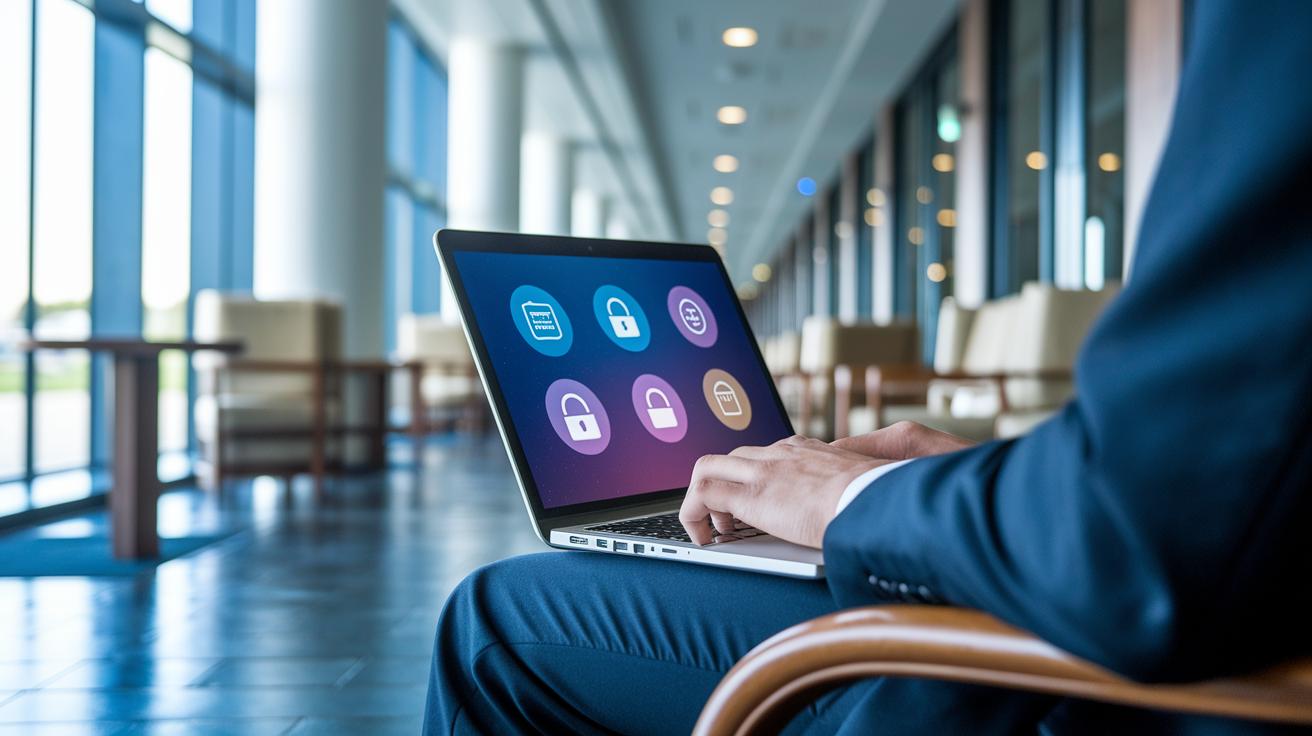
When you're exploring new destinations, keeping your digital life safe is just as important as staying physically secure. Think of your cyber safety like your everyday routine, updating your devices and apps is as essential as brushing your teeth. A little routine care can spare you a lot of headaches, whether you're on a fun vacation or headed out on a business trip.
Business travelers, in particular, need to be extra cautious. Imagine storing your valuables in a hotel room with a weak lock; without solid cyber practices, your sensitive information can be just as vulnerable. And the good news is, you don't need to be a tech expert to keep your data safe, you just need a few smart habits to enjoy your journey with peace of mind.
Each pillar of cyber travel safety acts like a trusty travel buddy, shielding you from digital dangers. Device security means setting up strong locks, using a PIN or fingerprint feels like having a secret key for your personal info. Connectivity security is all about avoiding risky public networks by turning off auto-connect and using a trusted VPN, much like choosing a private car over a shared ride for extra comfort and safety. Data protection involves making regular backups and encrypting your files so that if something unexpected happens, your cherished photos and important documents stay safe. And when it comes to privacy, it’s wise to limit location sharing and think twice before posting every travel update online, after all, you wouldn’t announce to the world that your home is empty, right?
Staying on top of these key pillars can make your travel both delightful and secure, letting you focus on the adventure ahead without worrying about digital mishaps.
Pre-Trip Cyber Travel Safety Preparations
Before you head off on your next adventure, it’s smart to secure your digital world. Much like gathering your travel essentials, setting up your devices with proper safety measures lets you relax and enjoy every moment, knowing your personal info is protected.
Think of these tips as your cyber travel checklist:
- Update your device’s operating system and all apps to the latest versions, this patches up any weak spots.
- Turn off auto-connect for Wi-Fi and Bluetooth so your gadget doesn’t latch onto unsafe networks.
- Use a trusted password manager to create unique, strong passwords instead of recycling simple ones.
- Clear out or reduce sensitive data on your devices. If your gadget goes missing, you won’t be at risk.
- Enable remote tracking and wiping features (like Apple’s Find My or Google’s Find My Device) to locate or erase your device if needed.
- Back up contacts, documents, and photos to a cloud service or an encrypted external drive so your important files stay safe no matter what.
These simple steps build a strong foundation for secure travel, letting you focus entirely on the excitement of new discoveries, without any digital worries holding you back.
Cyber Travel Safety on Public Wi-Fi and Mobile Networks
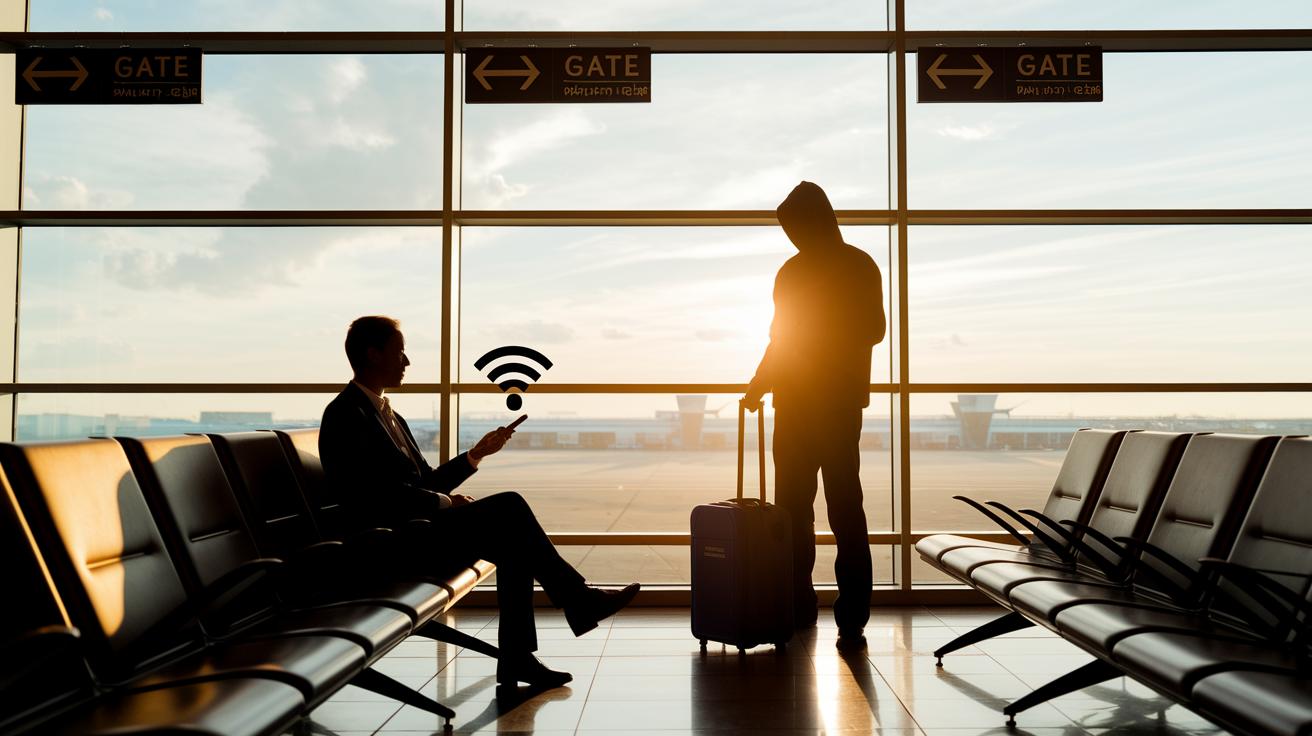
When you're out exploring and decide to grab a coffee or lounge in an airport, think twice before connecting to open Wi-Fi. Free networks can sometimes expose your data to digital troublemakers who scan for unencrypted traffic. It’s like leaving your travel diary open for anyone to read. Even a quick peek at your device settings might show you’re at risk if auto-connect is on or if you’re sharing your location without knowing.
And let’s not forget about those free charging stations, they might seem handy but can come with hidden risks. Switching to a more secure method can save you from potential cyber headaches while you enjoy your adventure.
Here’s a simple guide to help you choose the best digital protection while on the go:
| Connectivity Method | Security Risk | Recommended Action |
|---|---|---|
| Public coffee-shop Wi-Fi | High | Use personal hotspot or VPN |
| Airport/Transit Wi-Fi | High | Prefer mobile data hotspot |
| Hotel Wi-Fi | Medium | Verify SSID, use VPN |
| Mobile data hotspot | Low | Primary option for sensitive tasks |
Next, take a moment to adjust your device settings for safer connectivity. Turning off auto-connect for Wi-Fi and Bluetooth, and pausing location sharing when not in use, is like locking your suitcase before a big trip. Instead of relying on unpredictable public networks, try a verified hotel system with a VPN, that extra step makes your online journey much safer.
These small precautions can really help reduce your exposure to cyber risks while you're traveling. After all, staying secure means you can focus more on enjoying every new destination and less on digital worries.
Device Security and Data Protection for Cyber Travel Safety

Keep your devices protected on your digital journeys by making sure they’re always updated. Turn on automatic security patches and secure your gadget with a strong PIN, passcode, or even a fingerprint scan. It’s just like giving your car a quick tune-up before a road trip. For more tips, head over to our Pre-Trip Cyber Travel Safety Preparations section.
Next, activate remote tracking and remote erase features. If your device ever goes missing, these settings help keep your data safe. Also, tweak your app and social media privacy settings and switch off extra location services to protect your personal information. Want to know more? Check out our Key Pillars for a closer look.
Lastly, back up your important files, like photos, documents, and contacts, using encrypted cloud storage or an external drive. This step is a simple way to reduce the risk of losing your data and adds an extra layer of protection. For travel-friendly security gadgets and reviews, visit our Travel Gadget Reviews page (https://mauisky.com?p=1585).
Top Cyber Travel Safety Tools and Apps
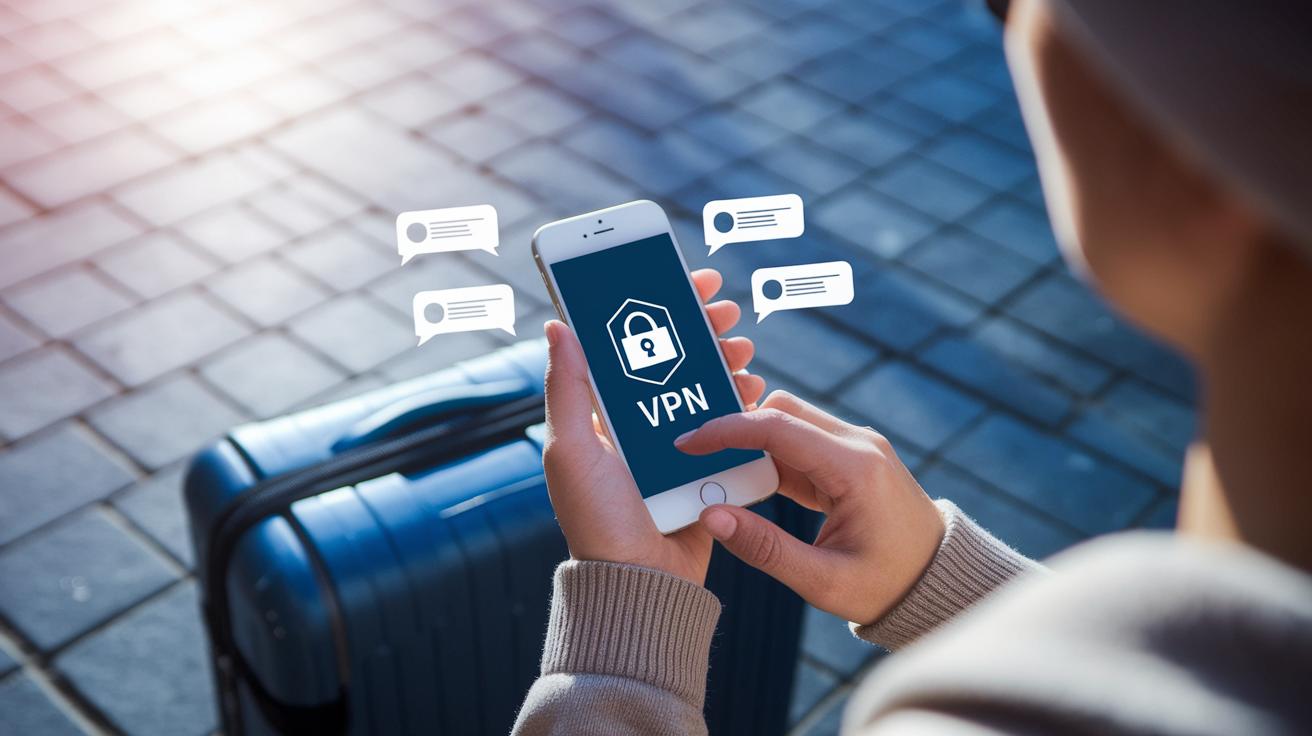
When you're off exploring a new destination, it helps to have a trusty digital toolkit, just like packing your favorite travel gear. VPN apps act like a secret cloak that scrambles your online traffic, keeping your personal info safe even on shaky networks. Password managers work like secure little vaults that generate and store unique passwords for every site so a single breach won't ruin everything.
Secure messaging apps let you chat in private, keeping your personal and work conversations safe from prying eyes. And if you ever misplace your gadget, a device-tracking app can help you locate or lock it from afar. There are also privacy-focused browsers and extensions that block annoying trackers and suspicious websites, much like avoiding a dodgy alley when you're in a new town.
Imagine all these tools coming together as a team of digital bodyguards. Your VPN protects your data while it's moving, your password manager keeps logins safe, and your messaging app shields your chats. Putting these safeguards in sync creates a multi-layered online defense that keeps your important information secure and your travel plans uninterrupted. This smart, connected approach lets you focus on soaking up new adventures, with the comfort of knowing your digital world is safe wherever you roam.
Post-Trip Cyber Travel Safety Actions
After you return home, take a few minutes to check your bank and online accounts for unusual activity. Look over your bank and credit card statements and keep an eye on any email alerts for strange login attempts. For example, if you see a charge that you don’t recognize, it might be a hint that your digital info was accessed while you were exploring new places.
Next, get rid of any travel-specific or VPN apps that you no longer need. Removing these apps can help you avoid potential issues left behind from temporary setups. This also means uninstalling any apps that were just for your trip, which may have stored private details along the way.
Finally, update or change the passwords for the accounts you used during your travels. Reset your device settings by restoring them to the original connectivity options, if you like auto-connect, you can turn it back on, and review your VPN settings to make sure everything is current. Taking these steps will help secure your digital world after you’ve been connected to many different networks.
Cyber Travel Safety Strategies for Digital Nomads and Frequent Travelers
When you’re traveling, it pays to have a smart travel policy that goes a bit further than the basics. Try mixing up which device you use for different tasks, use one for important work and another for everyday browsing. This way, you can schedule each device to be active for a bit before tucking it away securely. And don’t forget to set up alerts that let you know if something unusual pops up on your network.
For those of us always on the move, a few extra tricks can boost your online safety. First, tweak your account settings and switch off auto-connect on public networks to cut down on risk. Next, consider using a separate SIM card just for traveling. It might seem small, but this simple step can really help keep your connection secure when you're abroad.
Final Words
In the action, this guide covered the basics of cyber travel safety by breaking down key points like device security, safe connectivity, data protection, and privacy management. It showed how staying updated with security patches, using strong locks, and managing your data wisely can keep you safe on untrusted networks.
These insights empower you to adopt simple, effective steps before, during, and after your trip. With these tips, you can enjoy your travels knowing your digital world is secure and prepared for any unexpected twists.
FAQ
- How can I practice cyber travel safety while on the go?
- Being cyber secure while traveling means keeping digital hygiene on par with personal care. Update devices, use strong passwords, disable auto-connect, and rely on VPNs to shield your data.
<dt>Where can I find a cyber travel safety PDF?</dt>
<dd>Asking for a cyber travel safety PDF usually means looking for a download that outlines key steps to protect your digital data while traveling. Search official travel advice sites for free, printable guides.</dd>

<dt>What cyber security advice is available for travelers from official agencies?</dt>
<dd>Official agencies like CISA and NCSC provide cyber security advice for individuals that covers device protection, network use, and data management to help keep your digital information safe abroad.</dd>

<dt>How can I protect my mobile device while traveling?</dt>
<dd>Protecting your mobile device while traveling means enabling strong locks, updating apps regularly, turning off auto-connect features, and activating remote tracking to quickly locate your device if needed.</dd>

<dt>What should I know about international travel safety warnings?</dt>
<dd>International travel safety warnings highlight countries with heightened security risks. Check current advisories for high-alert regions and level warnings to make well-informed travel decisions.</dd>


semaglutide california ban
semaglutide california ban
semaglutide vs tirzepatide for weight loss in adults
semaglutide vs tirzepatide for weight loss in adults
topamax nombre generico
topamax nombre generico
semaglutid oral zulassung deutschland
semaglutid oral zulassung deutschland
rybelsus semaglutid tabletter
rybelsus semaglutid tabletter
propecia double dose
propecia double dose
doxycycline hyclate used for pneumonia
doxycycline hyclate used for pneumonia
saxenda pen use
saxenda pen use
minoxidil foam vs liquid application guide
minoxidil foam vs liquid application guide
avanafil how it works
avanafil how it works
medical review explanation
medical review explanation
augmentin drug basics
augmentin drug basics
Sildenafil Onset With Food
Sildenafil Onset With Food
Alcohol and Sildenafil PD
Alcohol and Sildenafil PD
Duration & Half-Life Reference
Duration & Half-Life Reference
Sildenafil vs Avanafil Tmax
Sildenafil vs Avanafil Tmax
the mechanism behind sildenafil
the mechanism behind sildenafil
sildenafil absorption profile
sildenafil absorption profile
Indian tadalafil brand guide
Indian tadalafil brand guide