
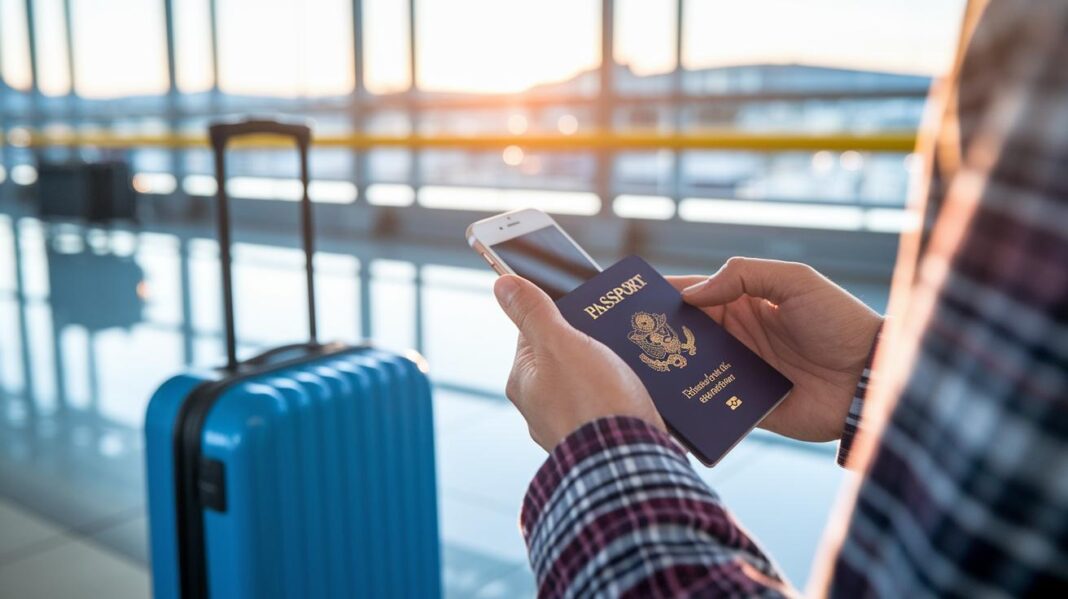
Ever thought about whether your digital data is as secure as your passport when you travel? Just as you pack your favorite gear for a trip, protecting your online information is a must, no matter where you go.
Imagine carefully choosing every item for your suitcase, you wouldn’t leave home without the essentials, right? In the same way, taking a few simple steps to secure your devices and select reliable networks can keep your private details safe while you're out exploring the world.
This little guide will show you easy ways to lock down your gadgets and shield your sensitive info. Ready to pick up some smart habits that let you travel with real confidence and peace of mind?
Key Strategies for Protecting Personal Data While Traveling
When you're on the go, keeping your data safe is all about finding the right balance. It’s like packing smartly for your trip, you want to be prepared without stressing out too much. Think of it as staying alert with a friendly smile, without letting fear take over.
Here are some friendly tips to keep your gadgets and personal info secure while you travel:
- Lock your devices with secure methods like PINs, fingerprint IDs, or facial recognition. It’s like putting a sturdy lock on your suitcase.
- Always pick the safest network available and steer clear of free, unencrypted public WiFi, which can be a bit like a sketchy road.
- Turn off your auto-connect settings so your device doesn’t join any unsafe networks on its own.
- Install trusted anti-virus software and run regular scans to catch any potential digital bugs early.
- Keep your operating system, firmware, and security apps updated, much like checking your travel itinerary so everything is in its right place.
- Limit sharing your location on social media to avoid giving away your travel plans.
- Switch off Bluetooth when you’re not using it, especially in unfamiliar places, to prevent unwanted access.
- Combine these digital habits with physical care, just like securing your passport and travel documents, to build a strong defense against data threats.
By using these smart practices, you’re setting up a robust safety net for your personal information. With a mix of secure device settings, careful network choices, and regular updates, you’re well-prepared to take on the digital challenges that come with travel. Next, we’ll dive deeper into some cool cybersecurity tips that can make your next adventure even safer.
Securing Internet Connections to Protect Personal Data
When you're out traveling and grabbing a free Wi-Fi connection at an airport, hotel, or cozy café, be mindful of your personal data. Unsecured networks are like leaving your door wide open for sneaky cyber intruders who can easily intercept your login info or financial details, almost like leaving your wallet out in the open. And don’t forget about public USB charging spots; these can lead to “juice jacking” where malware sneaks in and steals your data. Instead, use your own cables directly plugged into power outlets or rely on a portable battery pack to keep your devices secure.
One great way to stay safe is by using a Virtual Private Network (VPN). This handy tool encrypts your internet traffic so that prying eyes can’t see what you’re doing. Always make sure the networks in hotels or cafés are password-protected and use proper encryption before connecting. Also, adjust your device settings to prevent it from automatically joining any open networks. For more insights, you can check out the Expert Guide to Essential Travel Safety Tips (https://mauisky.com?p=1576). Follow these simple steps, and you can focus on your adventure while keeping your digital world secure.
Device Encryption Methods to Safeguard Personal Data
When you're off on an adventure with your gadgets, it's essential to lock down your personal and financial details. Modern devices come packed with built-in encryption, acting like a digital safe. Imagine setting a secure PIN or using your fingerprint, it's just like choosing a strong lock for your suitcase.
Keep in mind how simple it is to secure your phone before you hit the road. A quick setup makes sure your information stays protected, much like tucking away your valuables in a secret vault.
| Device | Encryption Method | Recommended Tools |
|---|---|---|
| Smartphone | Native encryption with a secure PIN or biometric lock | Built-in device settings |
| Laptop | Full-disk encryption and BIOS lock | BitLocker, FileVault |
| Tablet | Native encryption and secure lock features | Device security apps, settings control |
Don't forget to update your firmware, operating system, and security patches along the way. These updates help block new vulnerabilities, much like getting your car checked before a long road trip. And when it comes to physical security, simple tools like cable locks can be a game changer.
Taking these steps not only protects your data but also builds a solid shield against unwanted intrusions while you're on the move. Have you ever felt that extra peace of mind knowing your tech is safe? That's the true magic of secure encryption on your travels.
Protecting Financial Data and Online Transactions Abroad
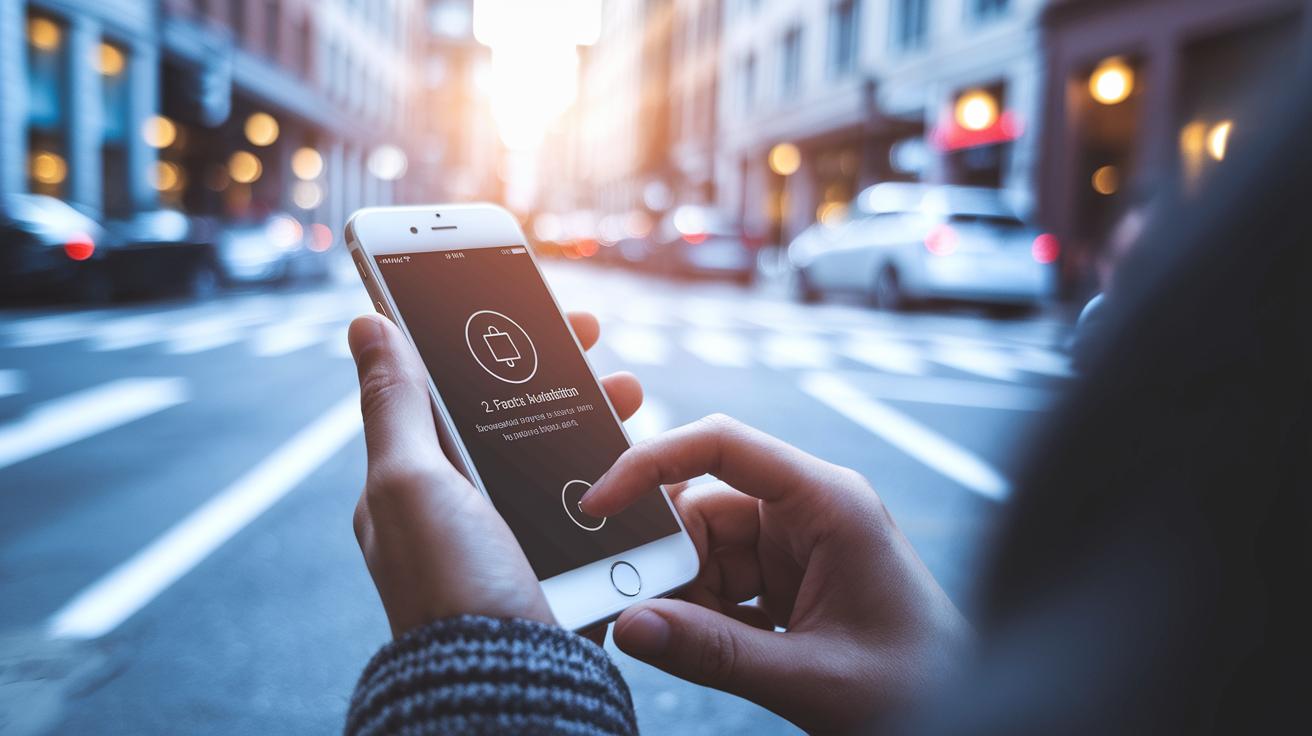
When you're exploring new lands, it's important to keep your money details safe. Picture yourself sitting in a cozy café in a bustling city; using an unsecured network there could expose your sensitive details to sneaky hackers. Even though banks work hard to protect your information, sharing personal data on unreliable connections can lead to unwanted financial surprises.
Instead, think of using secure payment tools that wrap your transactions in a tight security blanket. Digital wallets like Apple Pay or Google Wallet work like a secure envelope for your money, and turning on two-factor authentication on your apps adds an extra lock on your digital door. These simple steps help keep your financial data safe, no matter where your adventures take you.
And remember, avoid logging into your banking on public computers or devices that lots of people use. Rely on your own trusted smartphone or a secure mobile hotspot, just like you’d trust your favorite travel buddy. Also, don’t forget to pick unique PINs for hotel safes to guard your cards and travel documents. Before you log in, take a moment to ensure your connection is secure; it’s a little check that goes a long way in keeping your journey worry-free.
Proactive Measures for Personal Data Breach Alerts on the Go
Before you embark on your next adventure, set up breach alerts on your email, bank, and credit accounts. It's like having a personal security guard watching over your data. By configuring your mobile and desktop email apps to encrypt messages automatically, you keep your sensitive details safe. Imagine it as a silent alarm that prints a quick travel alert when something feels off, just like when your flight gate suddenly changes.
Next, consider using encrypted cloud storage for your backups. Choose a service that insists on strong authentication for remote access, ensuring your critical documents are kept under lock and key while you're on the move. Along the way, it helps to get familiar with local privacy laws and rules about transferring data across borders. These simple steps work together to build a solid defense, keeping you prepared to spot and handle any unexpected issues during your travels.
Backup Solutions for Preserving Personal Data on Trips

Imagine having an extra key to your travel safety, back up your must-have items like passports, itineraries, and emergency contacts on an encrypted cloud. This way, if your phone or laptop gets lost or tampered with, you can easily recover all that critical information.
It’s a good idea to also sync local backups to offline storage, like a secure USB drive kept separate from your main devices. This extra step feels like a little bonus safety net that adds real peace of mind during your journey.
Before you head out, set up a trusted password manager with built-in emergency access so all your logins are safe. Check that your cloud service uses end-to-end encryption to truly protect your data. And finally, make it a habit to schedule regular local backups, this ensures your essential files are stored safely in more than one place, ready to support your adventure no matter what.
Final Words
In the action, we explored clear tactics like locking devices and choosing safe Wi-Fi to keep your digital details safe. Strategies for using VPNs, encrypting smartphones and laptops, securing financial apps, and setting up breach alerts all help you stay one step ahead.
We wrapped up simple, actionable measures for protecting personal data while traveling. Each step invites you to embrace safe, stress-free travel with thoughtful planning and a lighthearted spirit. Enjoy setting out on your next exciting venture with confidence.
FAQ
How can you protect digital data and mobile devices while traveling?
Protect digital data on mobile devices by setting strong PIN codes or biometric locks, updating software, using secure VPN connections, and installing reputable antivirus apps. Using two-factor authentication for email adds extra security.
How does my web browser prevent me from visiting unsafe websites?
Your browser blocks unsafe websites by checking security certificates and issuing warnings about sites with known risks. This built-in feature helps keep your data secure as you browse on the go.
How can you protect yourself from identity theft while traveling?
Protect your identity by monitoring accounts regularly, using strong passwords, and enabling alerts for unusual activity. Avoid sharing sensitive information on public networks and stay alert to phishing scams.
Do you really need a VPN for travel?
A VPN secures your connection by encrypting data over public Wi-Fi networks, making it essential for travel. It helps maintain privacy and safeguards your personal and financial information from prying eyes.
What is the best practice to access information while traveling?
The best practice is to use secure, password-protected networks and devices while keeping your software updated. Rely on trusted sources and encrypted services to safely access information abroad.
How do I avoid using data when traveling internationally?
Reduce international data use by adjusting mobile settings, disabling background data, and using offline maps. When available, opt for secure Wi-Fi or consider local SIM cards and portable hotspots for efficient connectivity.